Download PDF
Aquarino Controller — User Manual · Printed from manual.aquarino.com.br/en/controller/17-logs/
PART IVGetting to know the screens
CHAPTER 17
Logs
The event log tells, in chronological order, everything the equipment did and why: outlet turned on by such-and-such rule, feeding started, dose executed, mode changed. It is the first screen to open when something did not go as expected.
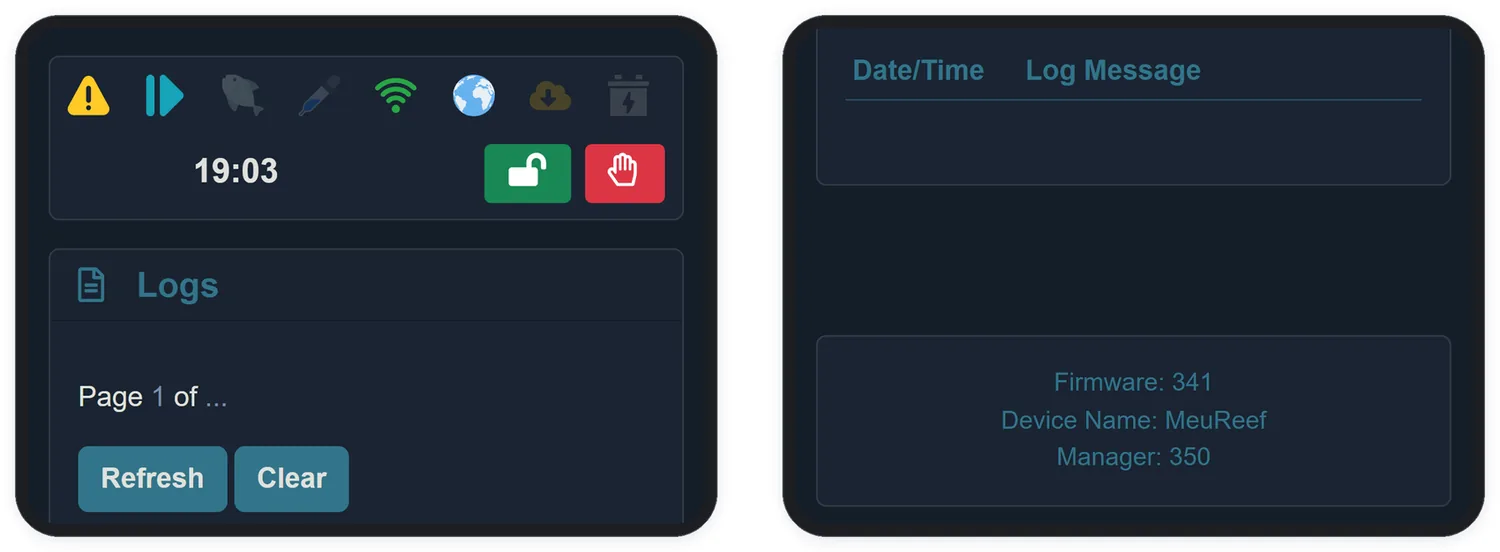
- Entries appear from newest to oldest, 10 per page.
- Refresh reloads the list; Clear erases the whole log — with confirmation, and with no way back.
- Every outlet action says who ordered it: scheduler, timer, cycle, rule N, feeding or manual mode.
| Typical messages | What they mean |
|---|---|
turned ON by Scheduler | The outlet's mode acted at the scheduled time |
turned OFF by Rule 2 | An automation rule took over the outlet |
Feeder started!... | The feeding period began and the marked outlets turned off |
System Mode change to Manual | Someone touched an outlet — the rules are suspended |
Firmware update successfully | An update was completed |