Download PDF
Aquarino Controller — User Manual · Printed from manual.aquarino.com.br/en/controller/13-feeder/
Feeder
Feeding mode solves a classic problem: feeding with the pumps running means watching the food vanish into the sump. Here you define which outlets turn off during feeding, for how long, and at what times — with or without an automatic feeder.
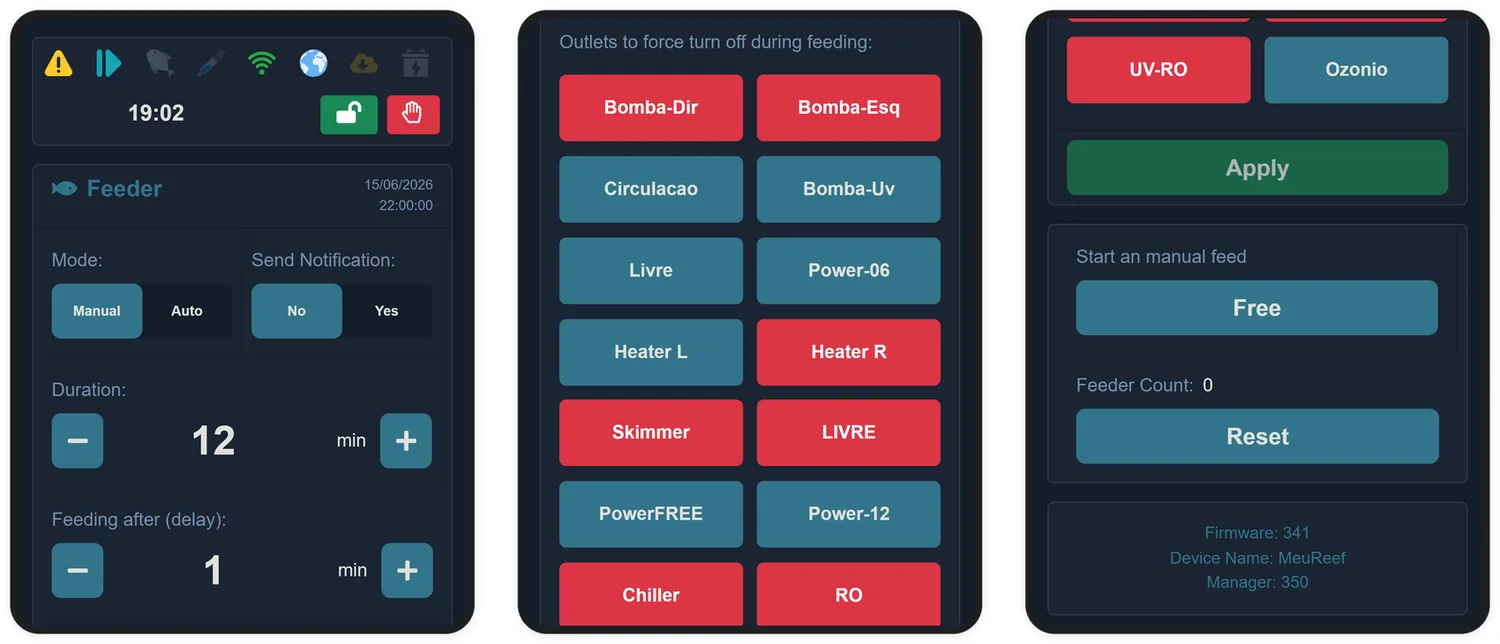
13.1 The fields
| Field | What it does |
|---|---|
| Mode | Manual: feeding only happens when you tap Feed. Auto: the scheduled times fire on their own |
| Send Notification | Notifies you at the start and end of each feeding |
| Duration | For how many minutes the marked outlets stay off — from 1 to 60 |
| Feeding after (delay) | A wait, in minutes (0 to 30), between turning the outlets off and triggering the feeder — time for the water to settle before the food drops |
13.2 Outlets forced off
In the Outlets to force turn off during feeding strip, tap the buttons of the outlets that should stop — return pump, skimmer, wavemakers. A red button = turns off during feeding.
13.3 The four schedules
In Auto mode, up to four times a day trigger a feeding. Leaving a time at 00:00 disables it — the label changes to *(Disabled)*. With all four at 00:00, the system returns to Manual mode on its own.
13.4 Automatic feeder
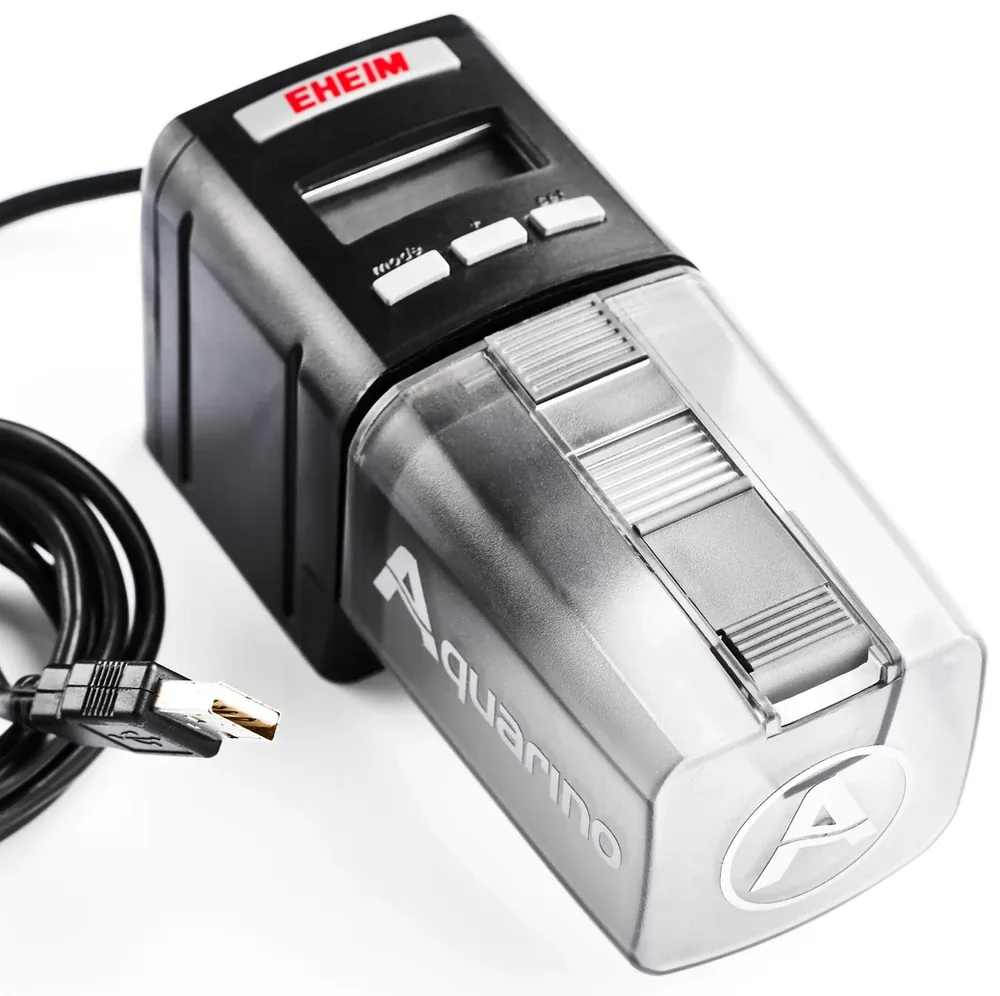
If you have an electronic feeder with a manual trigger button, it can be wired to the FEED port — the Aquarino then "presses the button" for you at every feeding, after the configured delay. Ask our support team about adapting your model.
The footer of the screen shows the count of feedings performed, with a button to reset it.