Download PDF
Aquarino Controller — User Manual · Printed from manual.aquarino.com.br/en/controller/15-automation-rules/
Automation rules
The rules are where the Controller stops being a dashboard and becomes an automator: "if the sensor goes past this value, turn this on, turn that off, dose that other thing". There are up to 24 rules, evaluated in the order they appear on the screen.
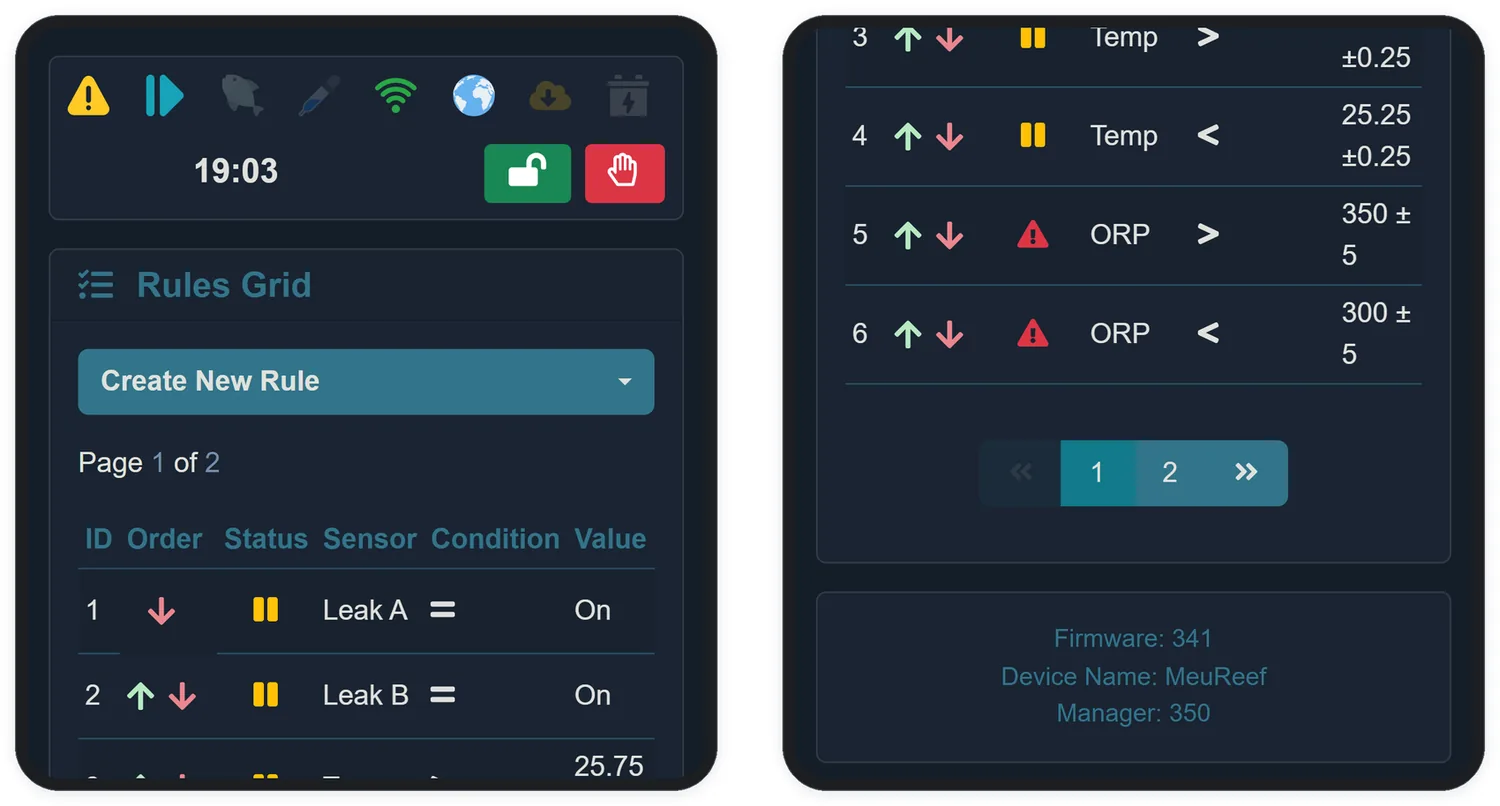
15.1 Anatomy of a rule
Tap Create New Rule, choose the sensor, and build the sentence:
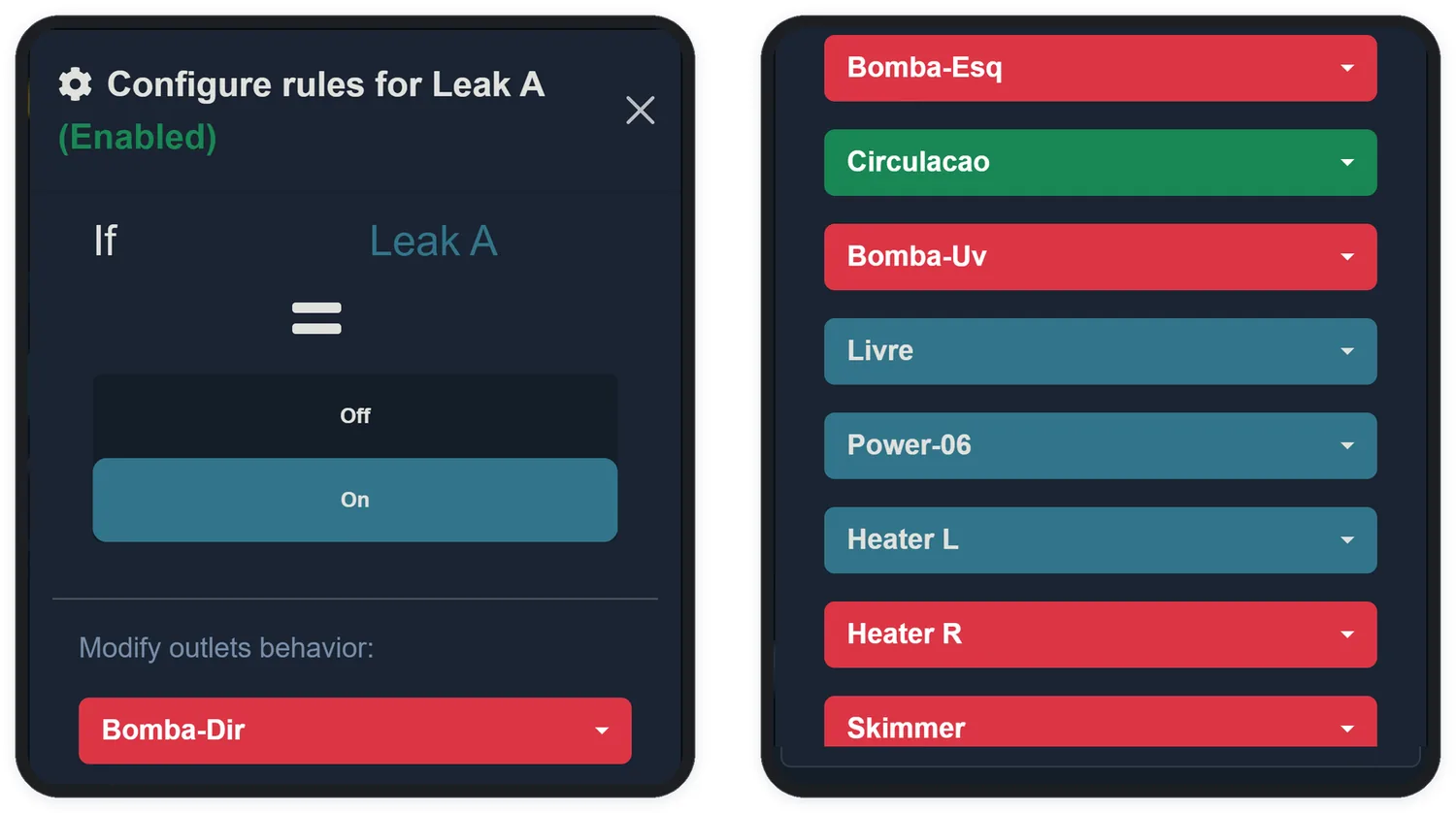
- If — the sensor being watched.
- Comparator — greater than (>) or less than (<). For on/off sensors (level, leak), the comparison is always equality: On or Off.
- Value — the trigger point.
- With tolerance of — the slack that prevents nervous on-off switching (detailed below).
- Outlets — for each outlet: Turn On, Turn Off or Do nothing.
- Dosers — for each doser: Apply Dose or Do nothing, with the rule's minimum interval between doses.
15.2 Tolerance is the soul of the rule
The tolerance creates a dead band around the value: the rule fires when the sensor goes past value + tolerance and only disarms when it comes back past value − tolerance. Without it, a sensor oscillating around the trigger point would switch the equipment on and off dozens of times an hour.
15.3 Rule status
| Status | Meaning |
|---|---|
| Disabled | The rule exists, but is switched off (the "Active?" switch set to No) |
| Standby | Enabled, condition not yet met — the normal state |
| Running | The condition is true and the actions are in force |
| Conflict | The rule cannot act — see below |
15.4 Conflicts
A rule goes into Conflict — and lights the icon in the status bar — when it cannot carry out what it asks:
- the target outlet is in manual mode with a state opposite to what the rule wants;
- another rule, higher in the order, is already commanding the same outlet the other way;
- the outlet's Powerbar is not present.
The order breaks the tie: rules are evaluated top to bottom, and the arrows in the Order column reposition each one. Put the safety rules — leak, level — above the comfort rules.