Download PDF
Aquarino KH — User Manual · Printed from manual.aquarino.com.br/en/kh/22-logs/
PART VIGetting to know the screens
CHAPTER 22
Logs
The event log tells you, in order, everything the equipment did and why. It is the first screen to open when something did not go as expected.
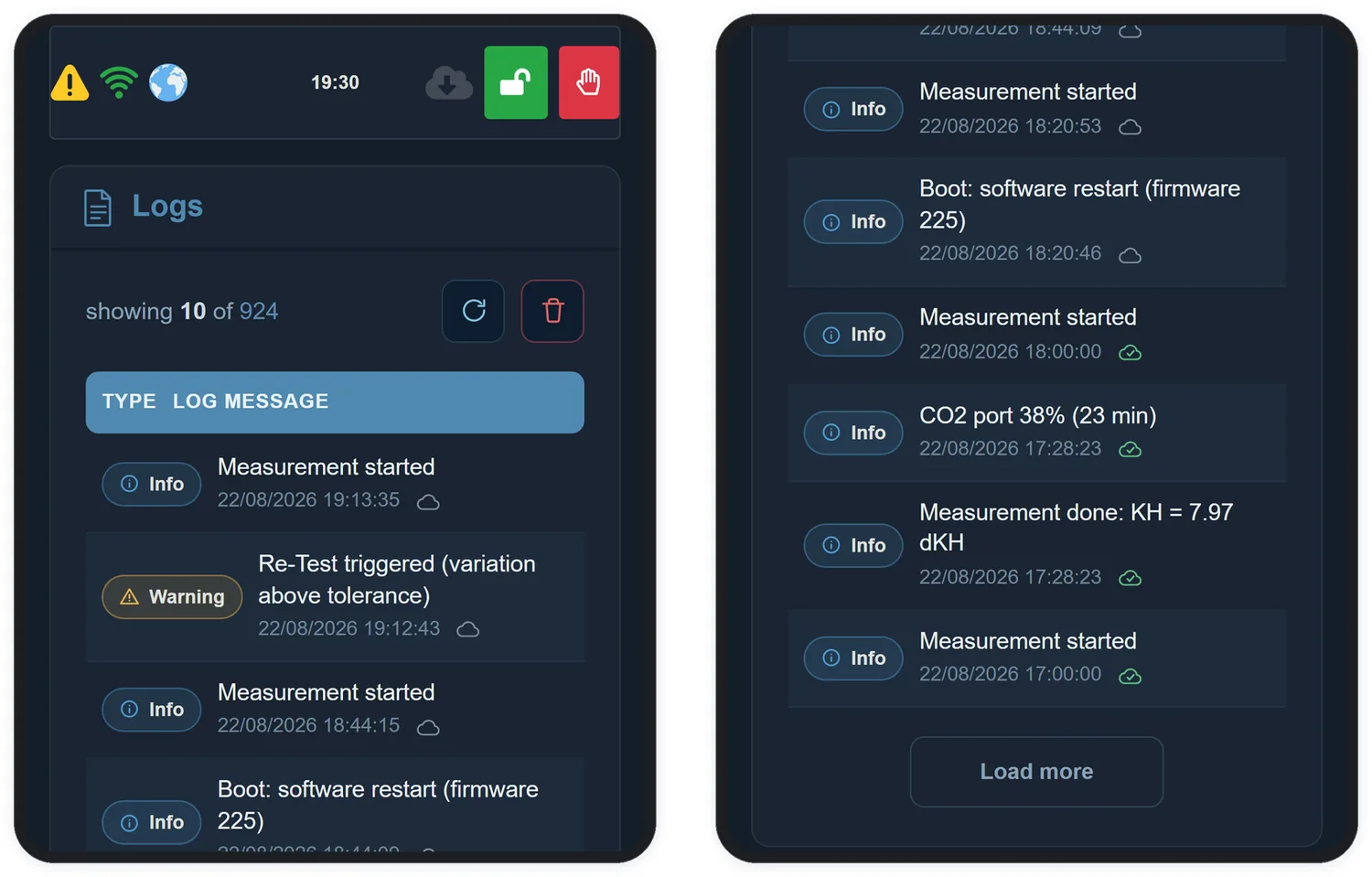
Every record has a type — Info for normal operation, Warning for situations worth your attention and Error when something prevented the equipment from completing a step — and an icon showing whether it has been synced to the cloud.
22.1 Messages you will come across
| Message | What it means |
|---|---|
Measurement started | A cycle began |
Measurement done: KH = 8.01 dKH | The cycle ended with that result |
Alkalinity doser: 10.2 ml (+0.102 dKH) | The doser ran: the volume and how much alkalinity it represents, in the unit you chose, with one extra decimal place |
Re-test triggered (change above twice the tolerance) | The reading differed from the previous one by more than twice the margin; the equipment discarded it and measured again |
CO2 port 45% (27 min) | The CO2 Port plan for the coming hour (Chapter 17) |
CO2 port 0% (0 min) | The CO2 Port stays off for the coming hour — for example, because KH went above the target |
Alkalinity doser: reservoir does not cover the dose | What is left in the bottle is less than that hour's dose, and the dose was not given. Refill the bottle and tap Refill (Chapter 16) |
Alkalinity doser: daily maximum reached | The doser reached the daily dosing limit and paused: it only doses again when the oldest doses leave the 24-hour window (Chapter 16) |
Alkalinity doser: daily maximum released | The 24-hour window freed up room and the doser started dosing again |