Download PDF
Aquarino KH — User Manual · Printed from manual.aquarino.com.br/en/kh/10-full-calibration/
PART IVCalibration
CHAPTER 10
Full calibration
A full calibration empties every chamber of the Aquarino KH, draws a fresh sample and anchors the equipment to an alkalinity value that you measure with your chemical test.
Run a full calibration in these situations:
- at the first installation of the equipment;
- after cleaning the chambers internally;
- if the internal level has dropped because of repeated power cuts;
- if readings are inconsistent and you have already ruled out the causes in Chapter 13.
10.1 Before you start
10.2 Step by step
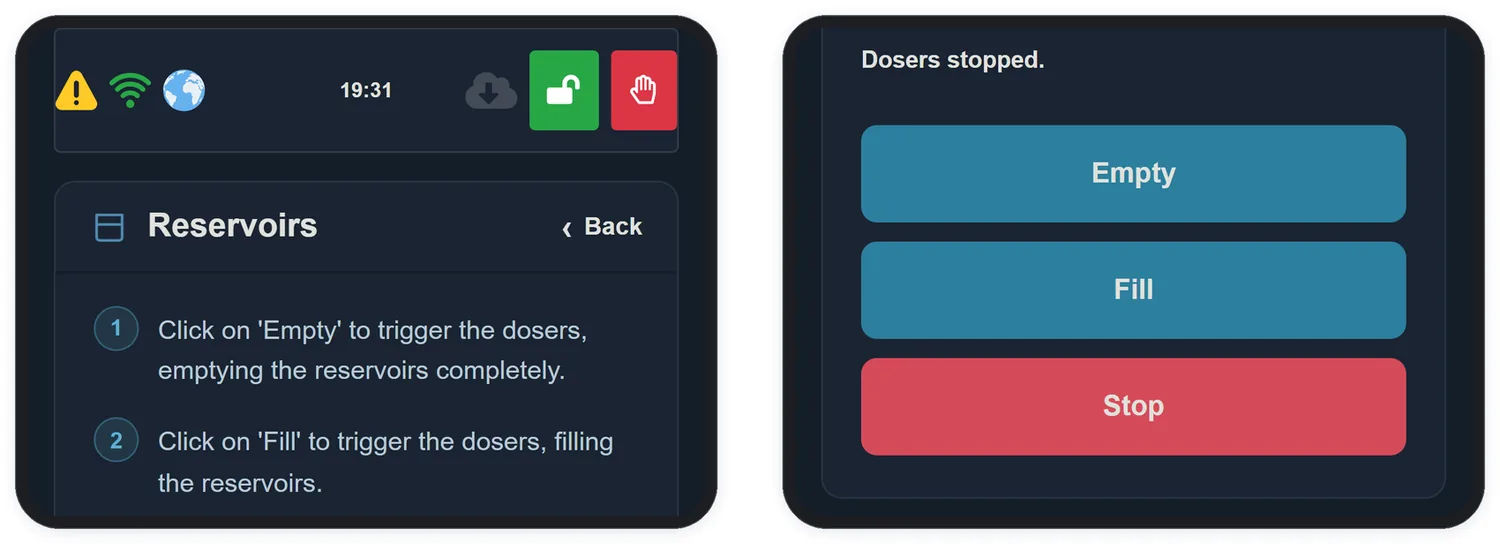
- In the app, open Configuration and tap Reservoirs.
- Tap Empty. Repeat until all internal reservoirs are completely empty and no more water comes out of the hose connected to your tank.
- Check visually that the compartments are empty before going on.
- Tap Fill. The equipment draws the water and calibrates the dosing pumps automatically. This takes about 10 minutes.
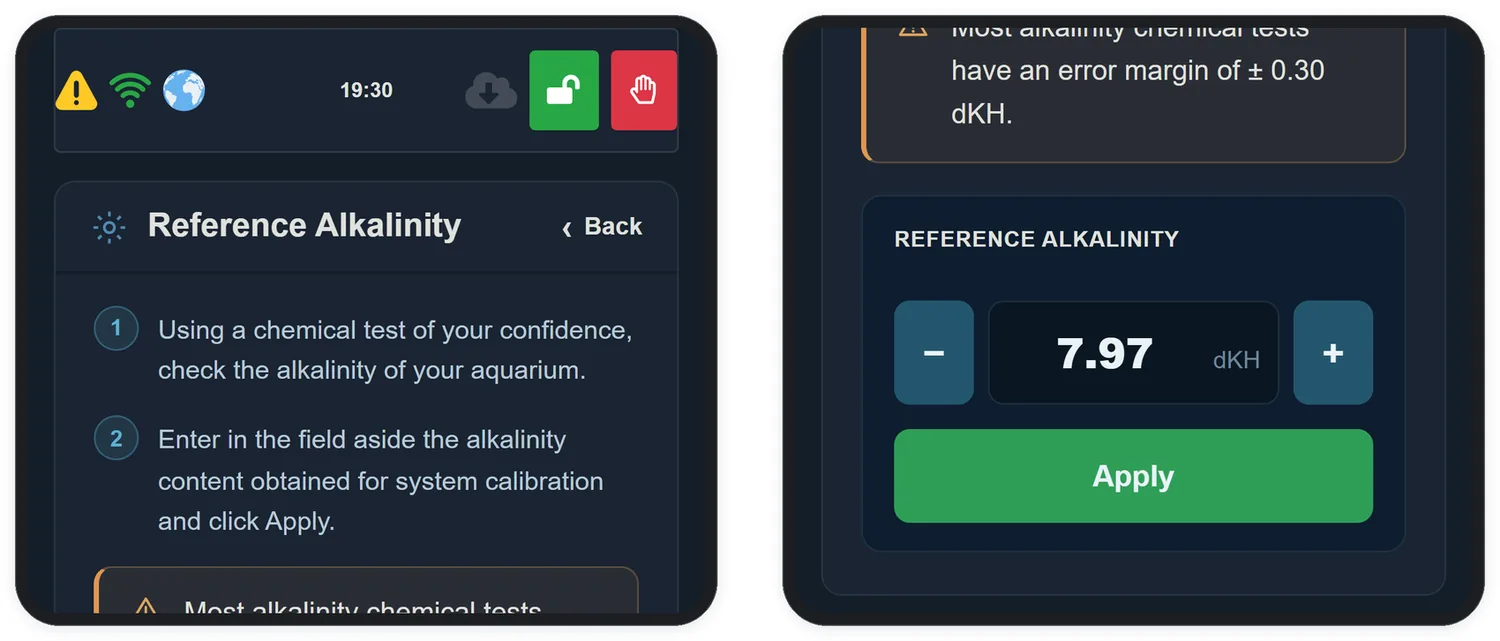
- Using your chemical test, measure the KH of the aquarium water. Follow the kit manufacturer's instructions to the letter.
- Go back to Configuration and open Tank Alkalinity.
- Enter the measured value and tap Apply. The Aquarino KH starts the calibration automatically.