Download PDF
Aquarino Display — User Manual · Printed from manual.aquarino.com.br/en/display/9-sensors-and-rotation/
PART IIIDay to day
CHAPTER 9
Sensors and rotation
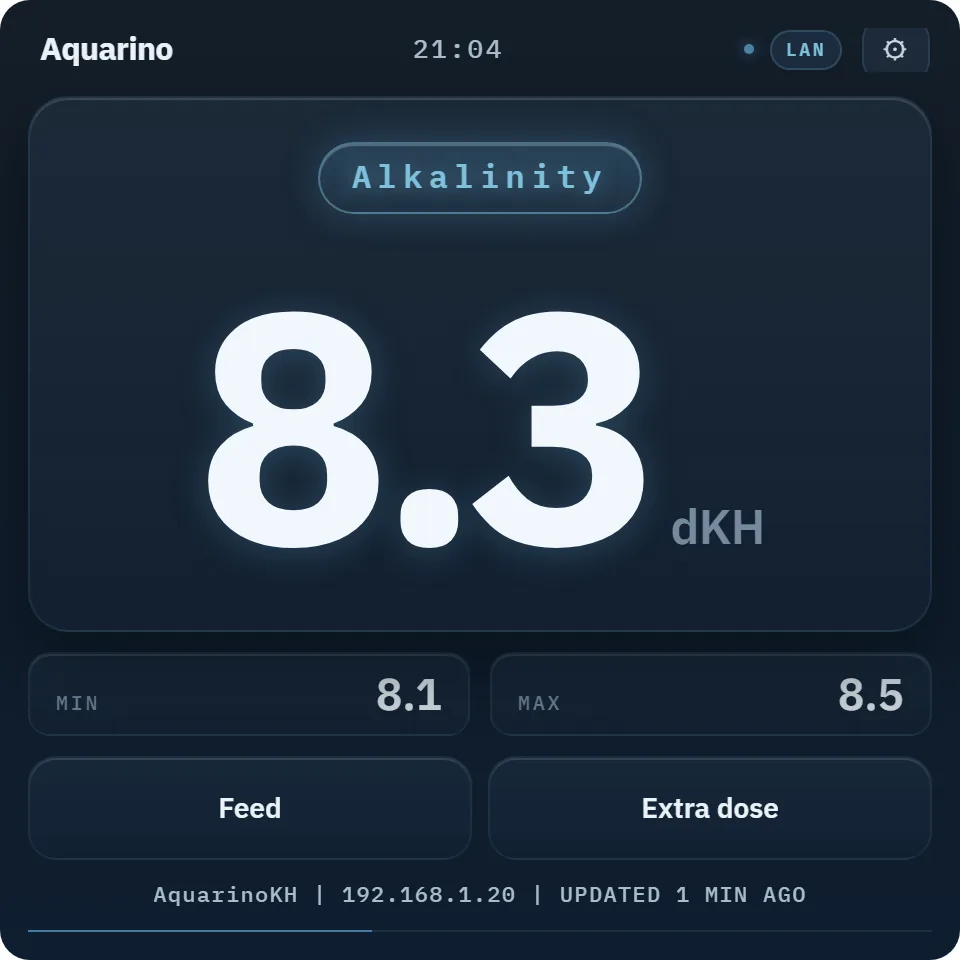
The Display shows one sensor at a time and switches between the source's sensors by itself: the rotation. From the factory, each sensor stays on the screen for 5 seconds.
- Interval: 3, 5, 8 or 10 seconds in Settings > Sensor rotation, on the screen; from 2 to 600 seconds in the portal's Sensor rotation tab.
- Swiping (touch models) changes the sensor instantly, and the automatic rotation pauses for 1 minute, so you can take a calm look.
- Sensors shown: hide the ones you do not want on the panel, in Settings > Sensor rotation, on the screen, or in Sensors received, in the portal's Sensor rotation tab. They still exist on the device; they simply leave the showcase. Changing the data source shows all of them again.