Download PDF
Aquarino Display — User Manual · Printed from manual.aquarino.com.br/en/display/10-out-of-range-colours-and-alert/
PART IIIDay to day
CHAPTER 10
Out of range: colours and alert
Each sensor can have an ideal range, set on the source device. When the value leaves it, the Display warns you from across the room.
10.1 The colour of the value
- Blue: below the ideal range;
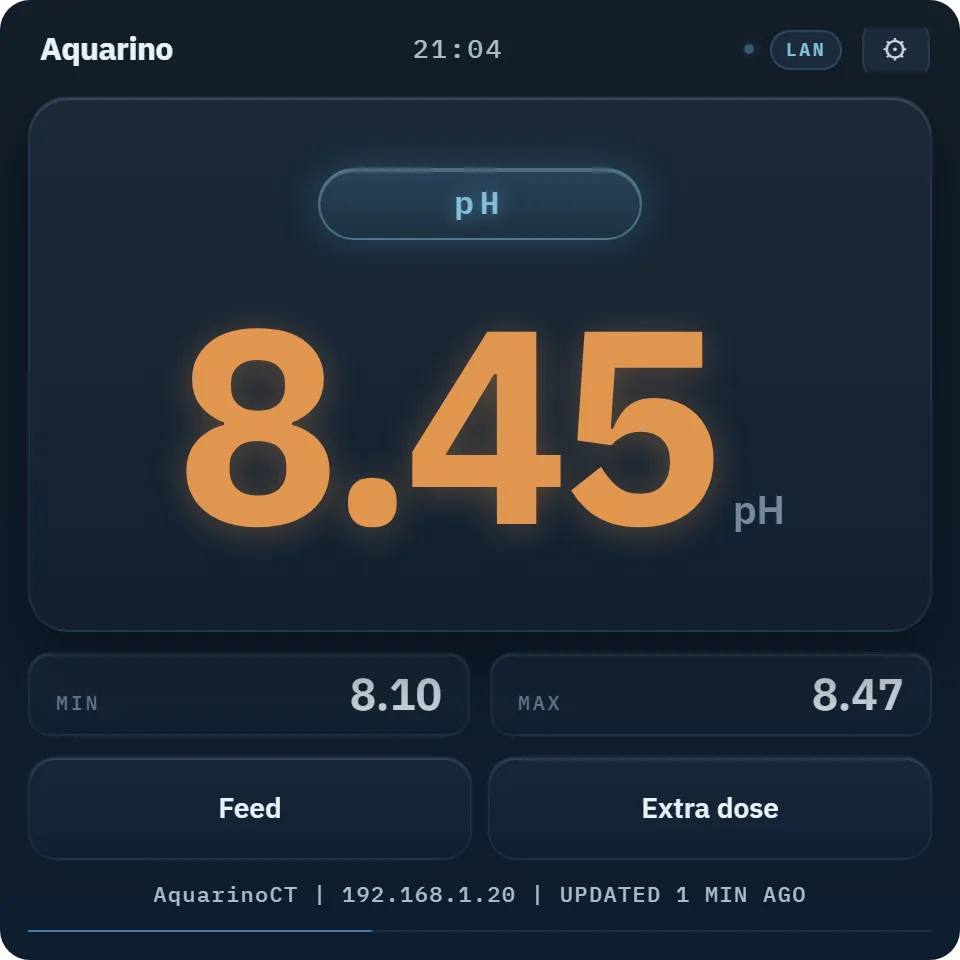
- Amber: above the ideal range;
- Normal colour: within the range, or a sensor without a range.
10.2 The full-screen alert (touch models)
On the 3.5" and the 4.0", a sensor that leaves the range also opens a full-screen alert, with "BELOW RANGE" or "ABOVE RANGE", the sensor's name, the value and the ideal range.
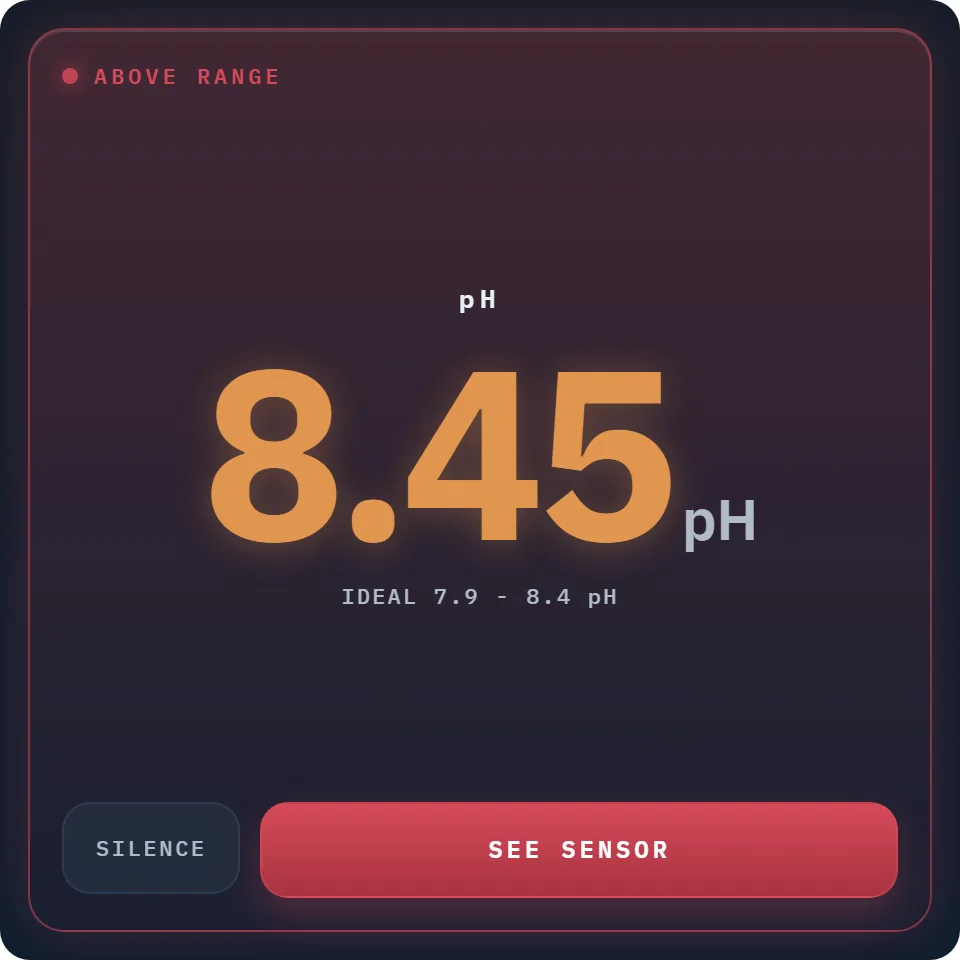
| Button | What it does |
|---|---|
| SILENCE | Closes the alert. It does not come back for that sensor until the value returns to the range |
| SEE SENSOR | Closes the alert and shows the sensor on the home screen |