Download PDF
Aquarino APP — User Manual · Printed from manual.aquarino.com.br/en/app/9-sharing-access/
PART IIIYour equipment
CHAPTER 9
Sharing access
A beautiful aquarium demands constant attention, and travelling does not have to be a source of anxiety: share access with someone you trust, who watches and acts while you are away.
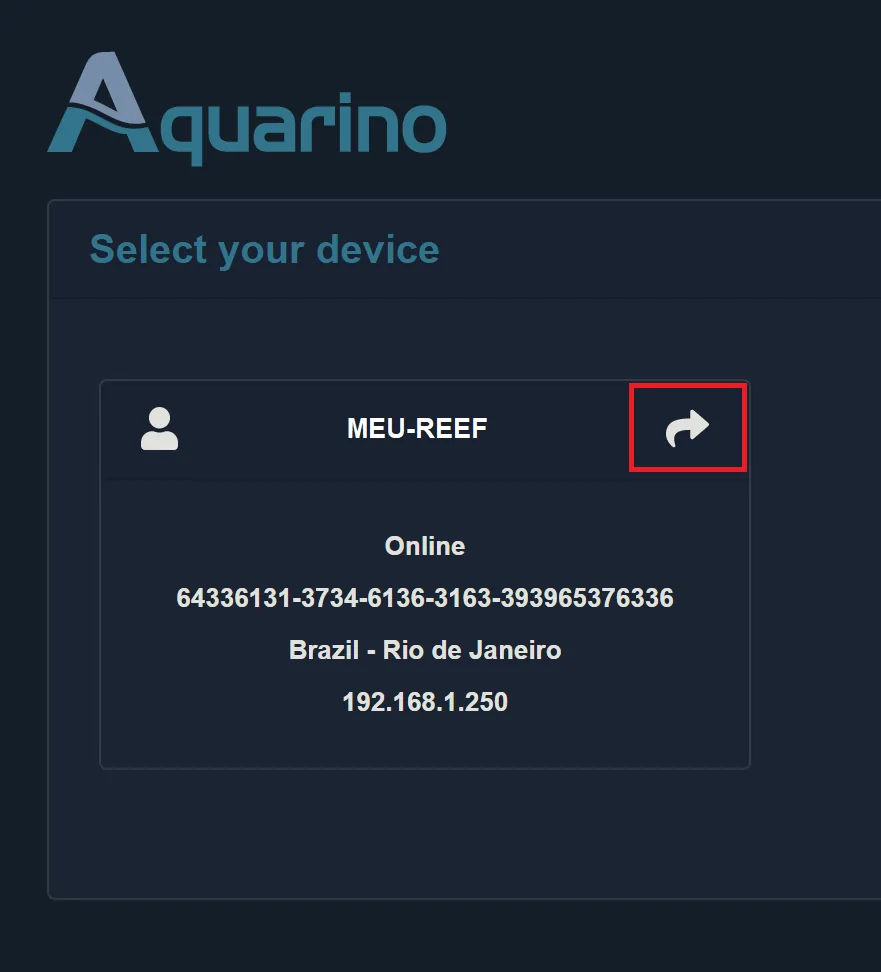
- On the card of a piece of equipment of yours, tap the share icon.
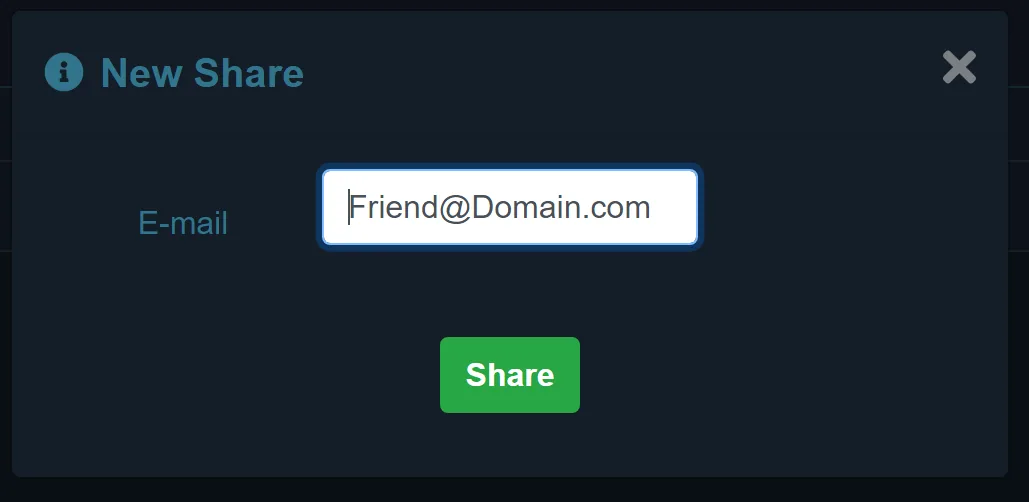
- Enter the person's e-mail and confirm with the +.
- The person now sees the equipment in their list, marked as shared.
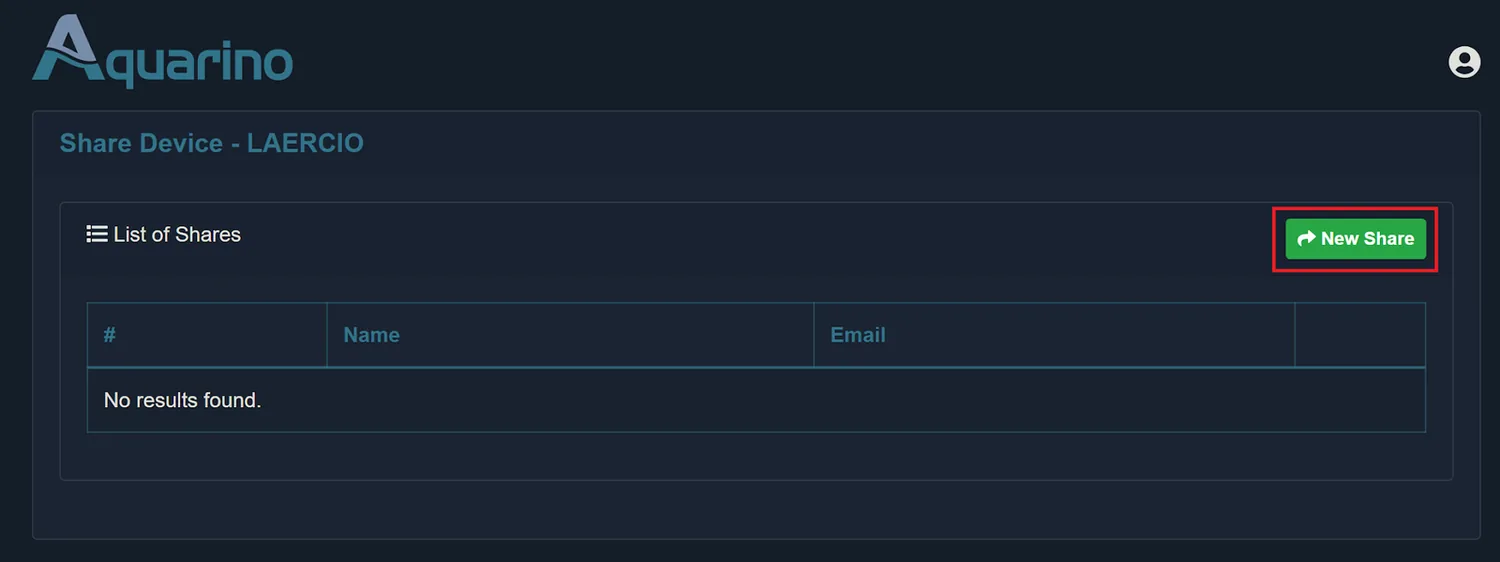
- Only the owner shares — and revokes: the trash icon next to each guest removes the access instantly.
- The guest must already have an Aquarino account with the given e-mail; without an account, the app warns that the user was not found.
- Each guest picks their own notification preferences for the equipment — the alert that reaches you does not bother someone who did not ask for it.